Hours
How often should you take breaks when working from home?
Short and often. HSE says 5 to 10 minutes every hour is better than 20 minutes every 2 hours. That is guidance on screen work, and the law sets no fixed length for it. Your legal rest break is a separate entitlement: one uninterrupted 20 minutes if you work more than 6 hours in a day.
By the Ember Desk editors · · 5 min read · sources last checked 8 November 2026
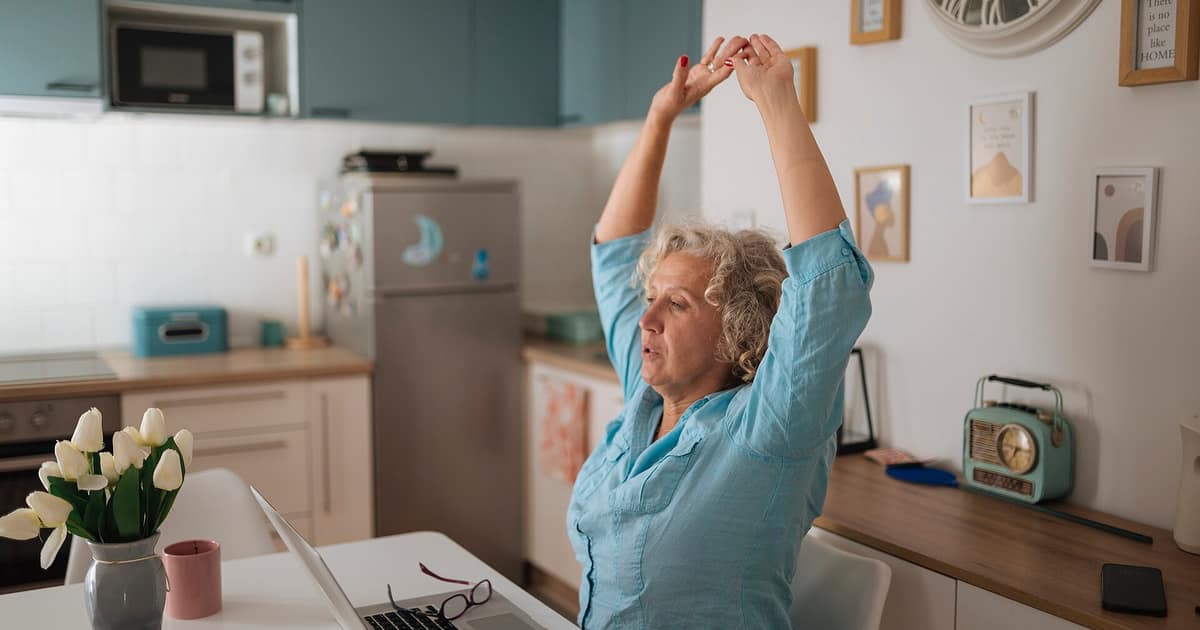

The office used to do a lot of this for you. There was a walk to a meeting room, a colleague at your elbow and a queue for the kettle. At home you can go from one video call to the next without moving your legs, and it can be three o'clock before you notice.
Two different rules get mixed up
Much of the confusion comes from treating these as one rule. They come from different places and do different jobs.
| Rest break | Screen break | |
|---|---|---|
| Where it comes from | Working time rules on GOV.UK | HSE's display screen guidance |
| How long | One uninterrupted 20 minutes if you work more than 6 hours a day | No set length in law. HSE's example is 5 to 10 minutes an hour |
| What it is for | Time off during the working day, such as lunch | Time away from the screen, which can be a change of task |
| Is it paid? | Not necessarily. It depends on your contract | HSE's guidance does not deal with pay |
HSE's wording on screens is that employers must plan work so there are breaks or changes of activity, for employees who count as display screen users. In most jobs, meetings and phone calls provide that change. Where a job has no natural variety, the employer should plan rest breaks. Ideally you choose when to take them.
Why a video call may not count
This next bit is our reading, rather than anything HSE says about video calls in particular. Its guidance says a break should let you get up and move around, or at least stretch and change your posture. A call taken in the same chair, looking at the same screen, does none of that. An ordinary phone call you take on your feet does. If a call does not need your camera or your screen, it is the easiest break of the day.
A day with the breaks built in
This is one way to arrange a day, offered as an example. Move it around to suit your hours and your work. The point is that the stops are decided in advance, so you are not relying on feeling tired enough to take one.
| Time | What happens |
|---|---|
| 9:00 | Start. Do the hardest thing while nobody needs you |
| 9:50 | Kettle. Drink it standing somewhere other than the desk |
| 10:50 | Take the next phone call on your feet, or look out of a window |
| 11:50 | Five minutes up and about, then a last push before lunch |
| 12:45 | Lunch away from the desk. This is your legal rest break, so make it at least 20 minutes without work |
| 13:50 | Get up and do something with your hands for a few minutes |
| 14:50 | Walk round the house or the block |
| 15:50 | Stretch, refill your water, check the list for tomorrow |
| 17:00 | Finish and switch the machine off |
If your job leaves no room for this
Some work has no natural pauses, or comes with an expectation that you answer within a minute. That does not make the duty disappear. HSE says that where a job has no natural changes of activity, the employer should plan rest breaks. So you can reasonably ask your manager how breaks are meant to fit around the queue, and whether a status of "away" is acceptable for ten minutes.
If you need a nudge, reminders on a phone or a break-monitoring app can help. HSE mentions such software, and notes that employers stay responsible for planning work and making sure suitable breaks happen. An app cannot fix a schedule that has no gaps in it, so if your calendar leaves you no time, say so.
Moving is worth more than the time off
The NHS guidelines for adults ask for at least 150 minutes of moderate activity a week, or 75 of vigorous activity, along with strengthening work on two days. They also say to reduce time spent sitting and to break up long periods of inactivity with some movement. Losing the commute can remove a surprising amount of walking from a week, so a walk at the end of the day does two jobs: it adds the steps back and it marks the point where work stops.
Breaks also work better from a chair that does not hurt. If you are getting up because something aches, go through our desk set-up order first.
Stopping at the end of the day
Acas says people at home may find it harder to switch off and may work longer hours, and that employers must still follow the law on working hours. Its suggestions are plain ones: set clear start and finish times, and switch off your work equipment at the end of the day.
The legal floor sits underneath that. GOV.UK says workers get 11 hours of rest between working days, so if you finish at 8pm you should not start again until 7am. Workers are also entitled to either 24 uninterrupted hours without work each week or 48 each fortnight. The limit on hours is 48 a week on average, normally worked out over 17 weeks, unless you have opted out or work in one of the excepted jobs. Check your contract, as it may give you more than these minimums.
If your days keep running past those lines, it may be a workload problem, and more reminders will not solve that. Our note on burnout and ordinary tiredness looks at how to tell, and our guide to your employer's duties covers what they should already have looked at.
Next on the list
Burnout or just tired? How to tell when you work from home
Tiredness alone is not burnout. WHO adds mental distance from your job and feeling less able to do it. A GP can look at the rest.
Head · 5 min · 1 October 2026
How do I set up a desk at home without hurting my back?
Chair first, then keyboard, then screen. A laptop needs a separate keyboard and mouse so the screen can go up.
Desk · 5 min · 18 June 2026